








Figma plugin
Search SketchValley illustrations and drop them straight into your Figma frames.
- Search the whole library inside Figma
- Inserts editable vectors, not flat images
- Free, no account needed
 SketchValley
Free Transparent PNGs
Download free, high-quality PNG images with transparent backgrounds. Find icons, objects, people, illustrations, clipart and more — ready to use in your projects.
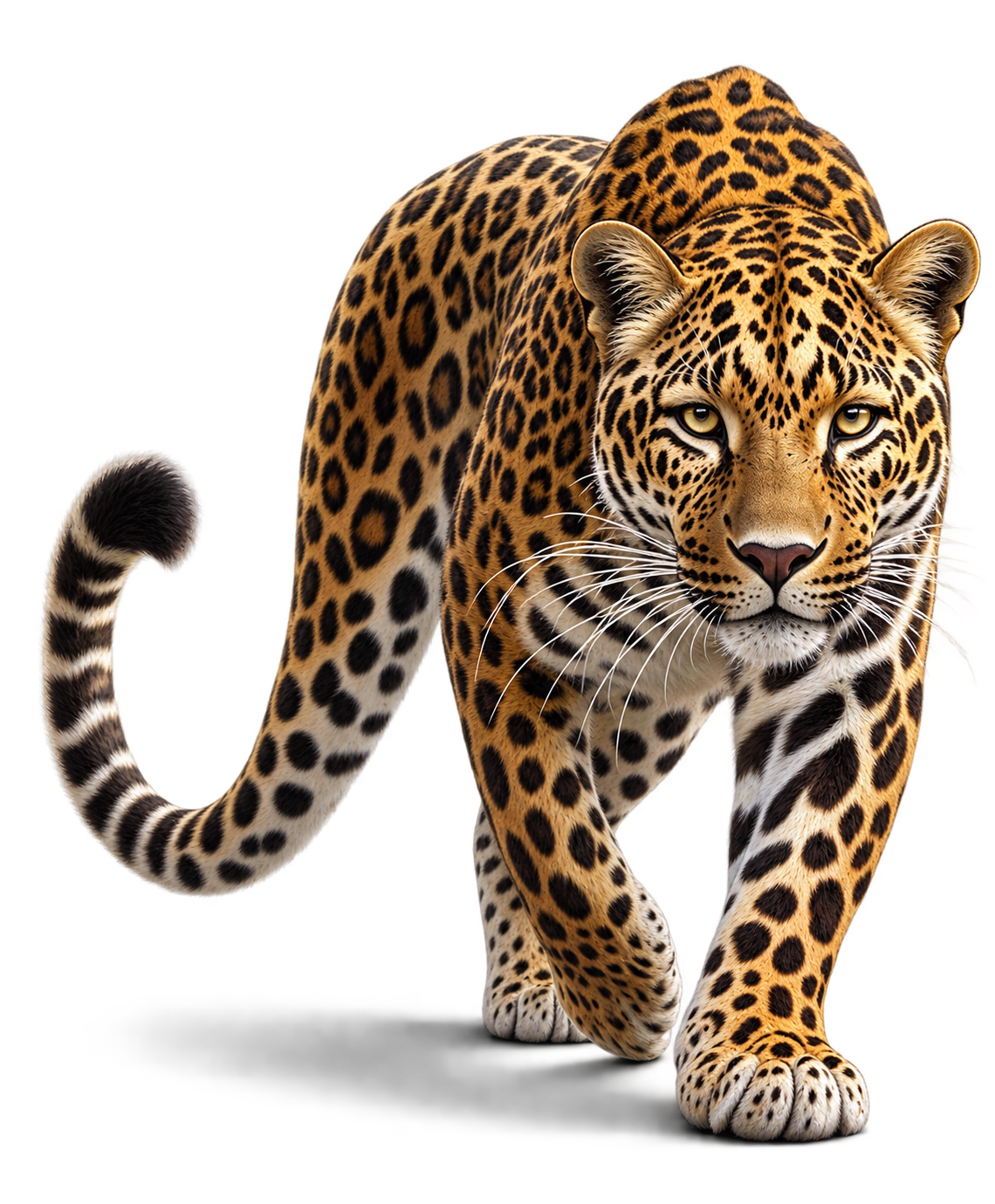
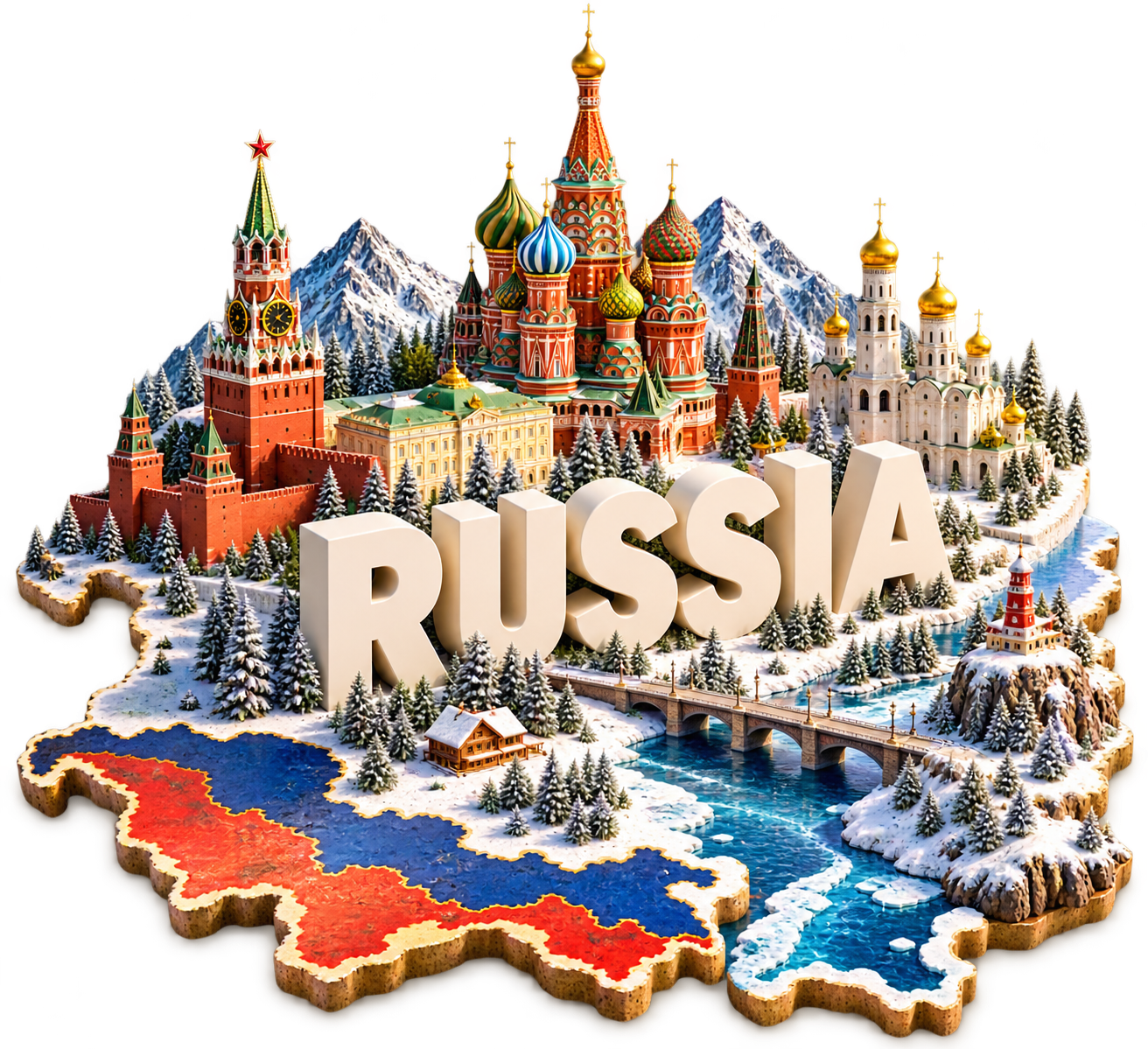
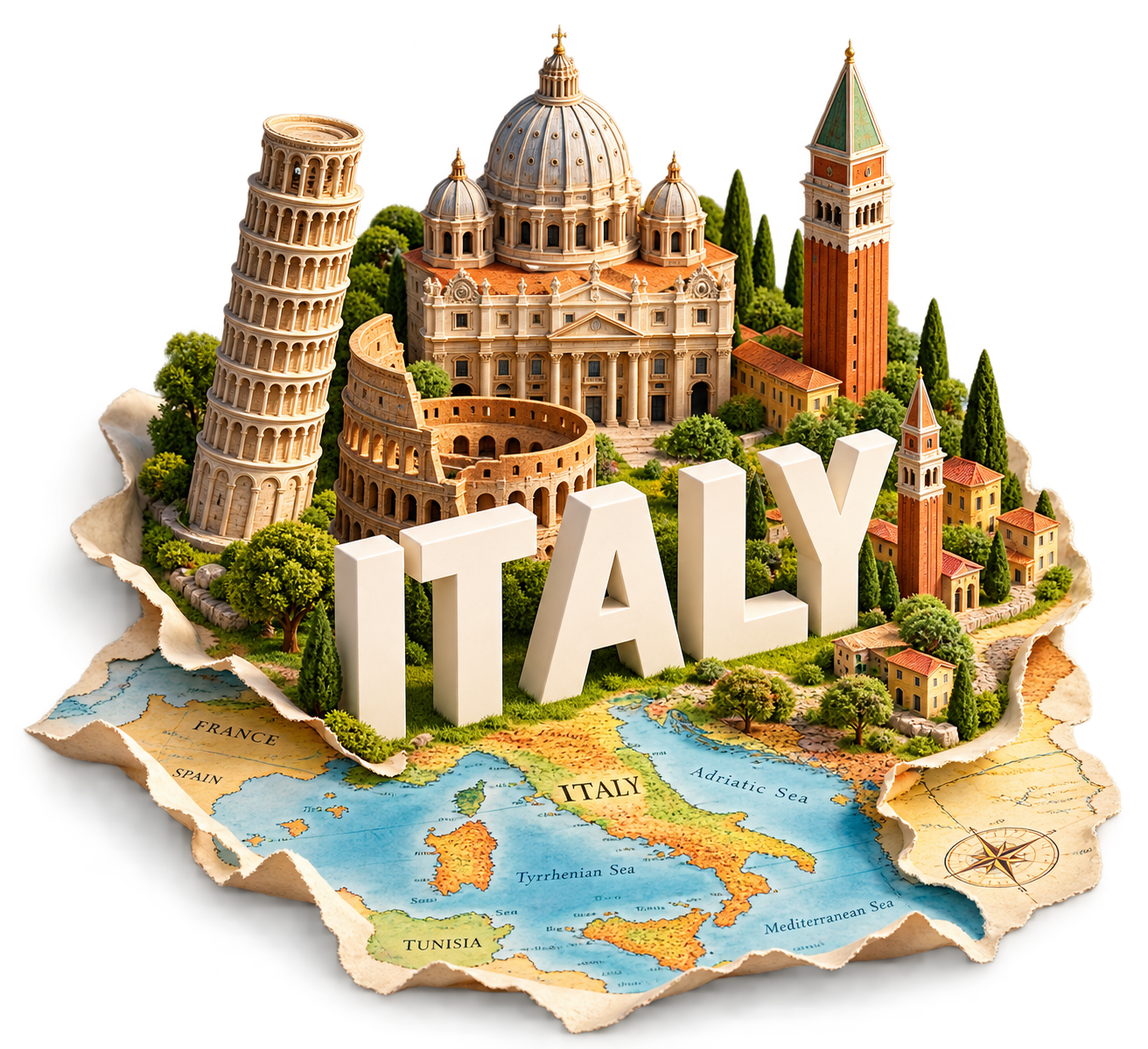
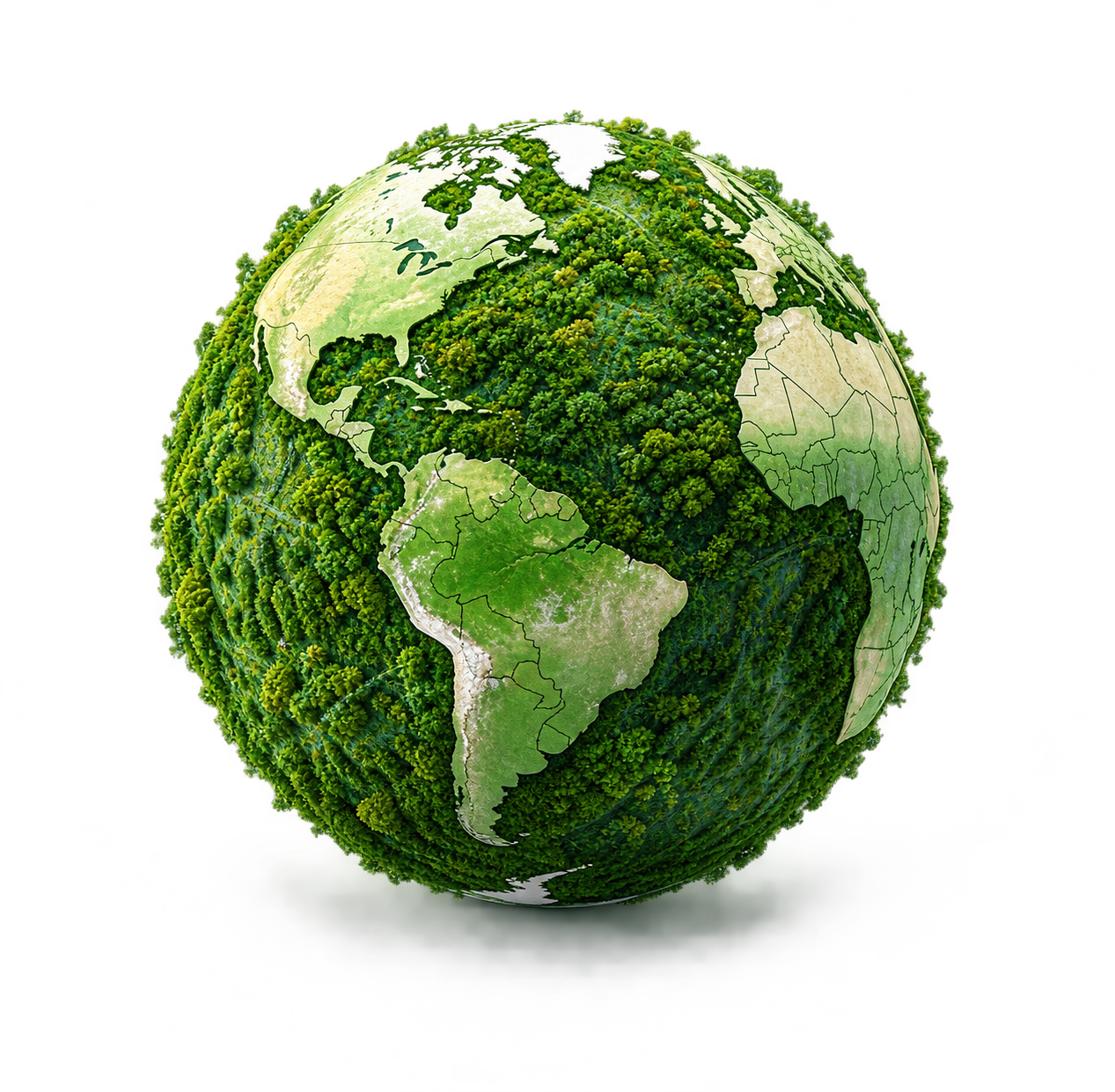
Popular transparent PNG images people are exploring right now.
Find transparent PNG images by category.
animals
6 PNGs →
Education
5 PNGs →

Emoji
5 PNGs →
People & characters
4 PNGs →

Travel & Tourism
4 PNGs →

Hand
2 PNGs →
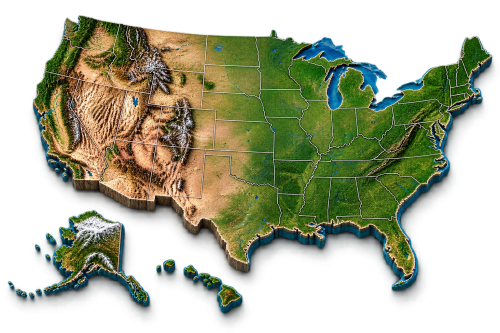
Flags & Maps
1 PNG →

Halloween
1 PNG →

Nature
1 PNG →

PNGtuber
1 PNG →

Time & Productivity
1 PNG →
Birthday
0 PNGs →
Food & Drink
0 PNGs →
Glasses
0 PNGs →
Holiday
0 PNGs →
Lace
0 PNGs →
Technology
0 PNGs →
Fresh transparent PNGs added to SketchValley.
Ready-made collections for your next project.
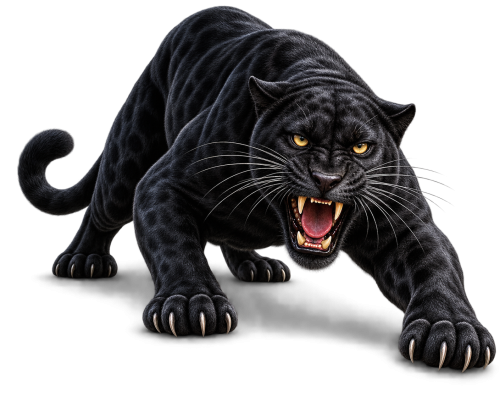

animals PNG Collection
6 free animals graphics, ready to download.
Explore collection →
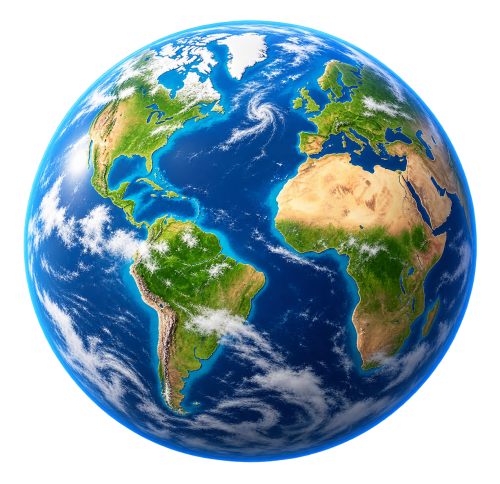

Education PNG Collection
5 free education graphics, ready to download.
Explore collection →


Emoji PNG Collection
5 free emoji graphics, ready to download.
Explore collection →


People & characters PNG Collection
4 free people & characters graphics, ready to download.
Explore collection →
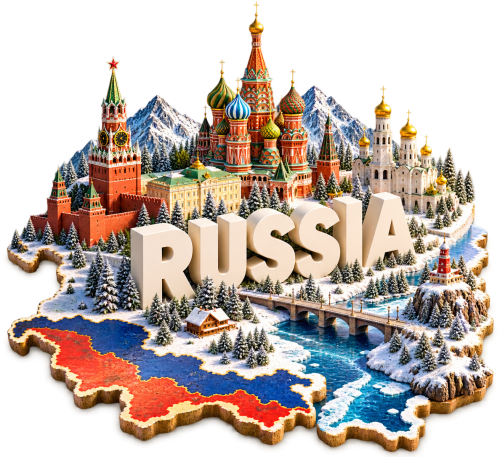
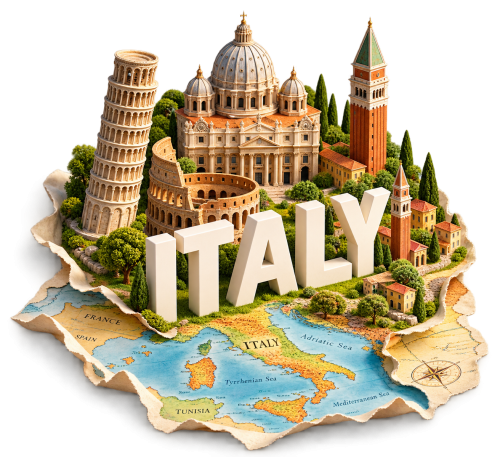
Travel & Tourism PNG Collection
4 free travel & tourism graphics, ready to download.
Explore collection →
Hand PNG Collection
2 free hand graphics, ready to download.
Explore collection →No account required to download PNG images.
PNG assets are designed for easy placement into your projects.
Use PNGs in presentations, websites, social media and design projects.
Find an image and download it without unnecessary steps.
Make presentations more visual.
Create engaging posts and graphics.
Add transparent graphics to web designs.
Create campaigns and promotional materials.
Create worksheets, learning materials and classroom content.
Use PNGs in Figma, Photoshop, Canva and other design tools.
Search SketchValley's collection of free transparent PNG images.
No signup required.
A PNG (Portable Network Graphics) file is an image format that supports full transparency, meaning the background of the image can be see-through instead of a solid color. This makes PNG the standard format for icons, cutouts, logos, and any graphic you need to place cleanly on top of another background — a photo, a colored section of a webpage, or a slide in a presentation.
A transparent PNG has an alpha channel — extra pixel data that controls opacity in addition to color. Where a JPG can only be fully opaque, a PNG can be partially or fully see-through pixel by pixel, which is what lets an object or character sit on any background without a visible box or halo around it.
JPG compresses photos efficiently but always fills the entire frame with color — no transparency, and repeated saving gradually degrades quality. PNG preserves transparency and doesn't lose quality on repeated saves, which is why it's the better choice for graphics, icons, and any image you plan to layer over something else. JPG remains a good choice for large photographs where transparency isn't needed and file size matters more.
Transparent PNGs work anywhere you need a graphic without a background box: website headers and product pages, social media posts and stories, presentation slides, marketing materials, printed flyers, and design mockups in tools like Figma, Photoshop, Canva, or PowerPoint. New to transparent images? Read our guide to finding and using free transparent PNGs, or see PNG vs JPG to pick the right format.
Open any PNG's page, review the preview and details, and click "Download PNG." The file downloads directly to your device — there's no signup, no account creation, and no extra steps in between.
A transparent PNG is an image file with a see-through background instead of a solid color, so it can be placed over any other image or design without a visible box around it.
No. PNG downloads are available without creating an account — find the image you need and download it directly.
Yes, PNG images on SketchValley are free to download.
Yes — PNG is a standard image format supported by Canva and most design tools. You can upload a downloaded PNG directly into your Canva project, subject to the asset's license.
PNG is a universal format supported by virtually all image and design software, including Photoshop, Figma, Canva, PowerPoint, and any modern web browser.